Inside your download / Edition 01
See what you will work with.
A reproducible synthetic experiment, a leakage investigation and a research memo explaining the comparison and its limits.
- Lab PDF
- The study, completed memo and three capstone investigations.
- Executable Python + saved results
- Run the study, inspect the supplied outputs and investigate a changed relationship.
- Two worksheet pairs
- An experiment log and availability audit, each with a completed CSV example.
Before you start: Basic Python and introductory statistics. A Python 3 environment for the standard-library scripts and a spreadsheet editor for the CSV worksheets. No paid data account is required.
View the exact package inventory (16 files)
research-projects-edition-01.pdfcompanions/availability-audit.csvcompanions/availability-audit.example.csvcompanions/experiment-log.csvcompanions/experiment-log.example.csvcompanions/README.mdcode/capstones.pycode/extension-protocol.mdcode/extensions/adaptation-summary.csvcode/extensions/capstones.jsoncode/lab.pycode/README.mdcode/results/regime.csvcode/results/results.jsoncode/results/stationary.csvREAD-FIRST.txt
Build and explain a small quant research project in Python. Compare a model with simple baselines, uncover data leakage, and write a research memo that explains where the model succeeds and fails. The lab follows one synthetic study from its question to its code, results and written interpretation.
It assumes basic Python and introductory statistics. The supplied script uses the Python standard library and requires no market-data account or API key.
The investigation
Fit a simple forecast against constant baselines. Recover a deliberately planted signal. Expose an impossible future-valued feature. Then reverse the signal and inspect why a frozen model fails and an expanding refit adapts slowly.
The package includes the PDF, executable source, saved synthetic data and results, an experiment log and an availability-audit worksheet. Three capstone investigations develop the comparison, leakage diagnosis and changed relationship. A completed memo shows how to report both favorable and unfavorable results.
The capstone extensions include a centered-feature leakage audit and a prespecified rolling-window comparison across ten seeds in stable and reversed scenarios. Follow a prediction by hand, inspect every retained run and explain why faster adaptation can cost precision when the relationship stays stable.
What the results mean
In the displayed stable run, the linear model's final mean squared error is approximately 0.903 against 1.161 for the constant. After the designed reversal, it is approximately 2.501 against 1.342. The failure is part of the lesson.
These are original synthetic outcomes, not financial returns. The model's success in a world with a planted signal supplies no evidence of a real trading opportunity.
Inspect the material first
Read the free preview for the experiment charter, generator and interpretation boundaries. The preview is an excerpt of the same book, not a separate sales brochure.
The lab is a focused study in evaluation and explanation. It does not teach Python from zero, implement a production trading system or provide a complete mathematical-statistics curriculum.
Start free with the leakage checklist and research memo template. If you need mathematical practice before the project, compare the probability workbook.
Inside the book
A sequence you can work through.
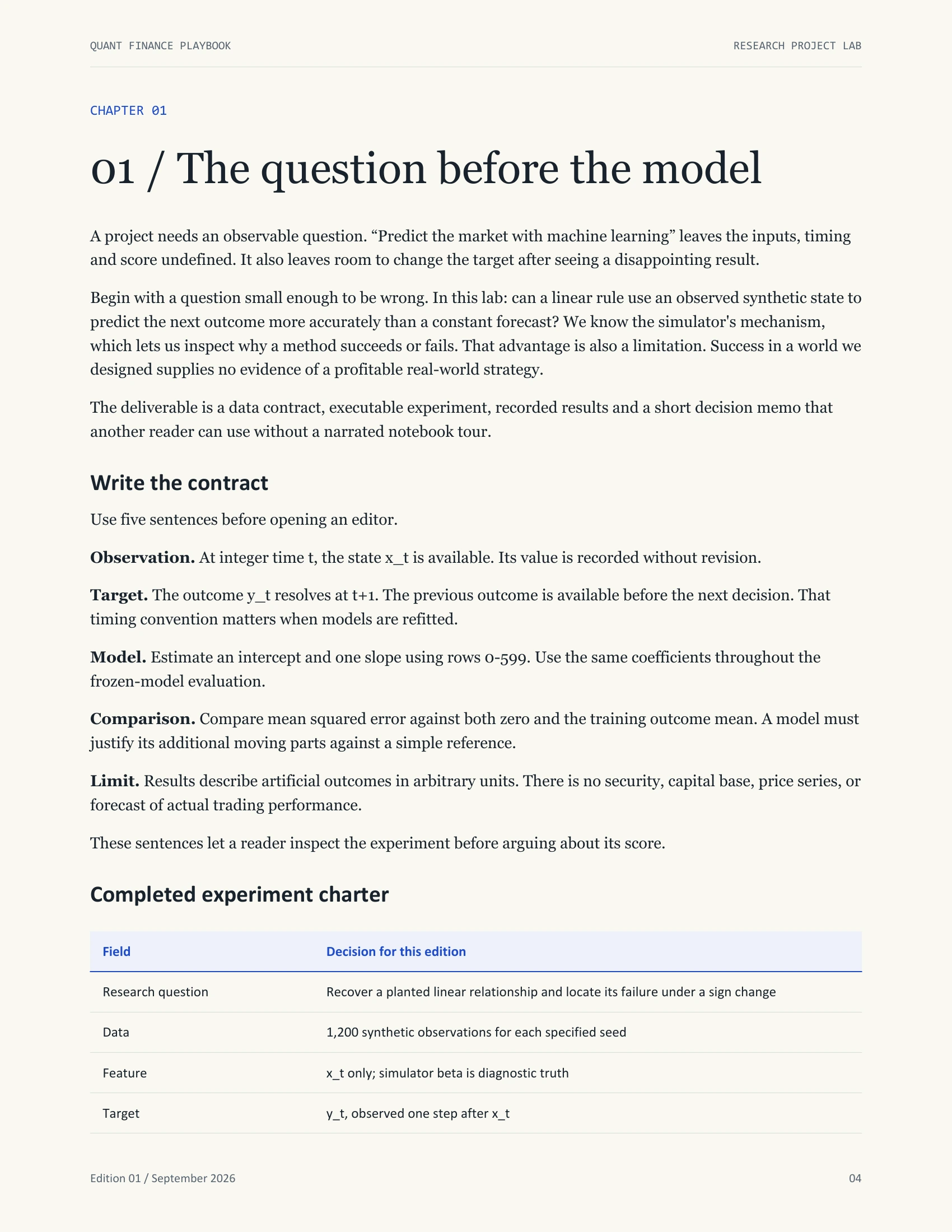
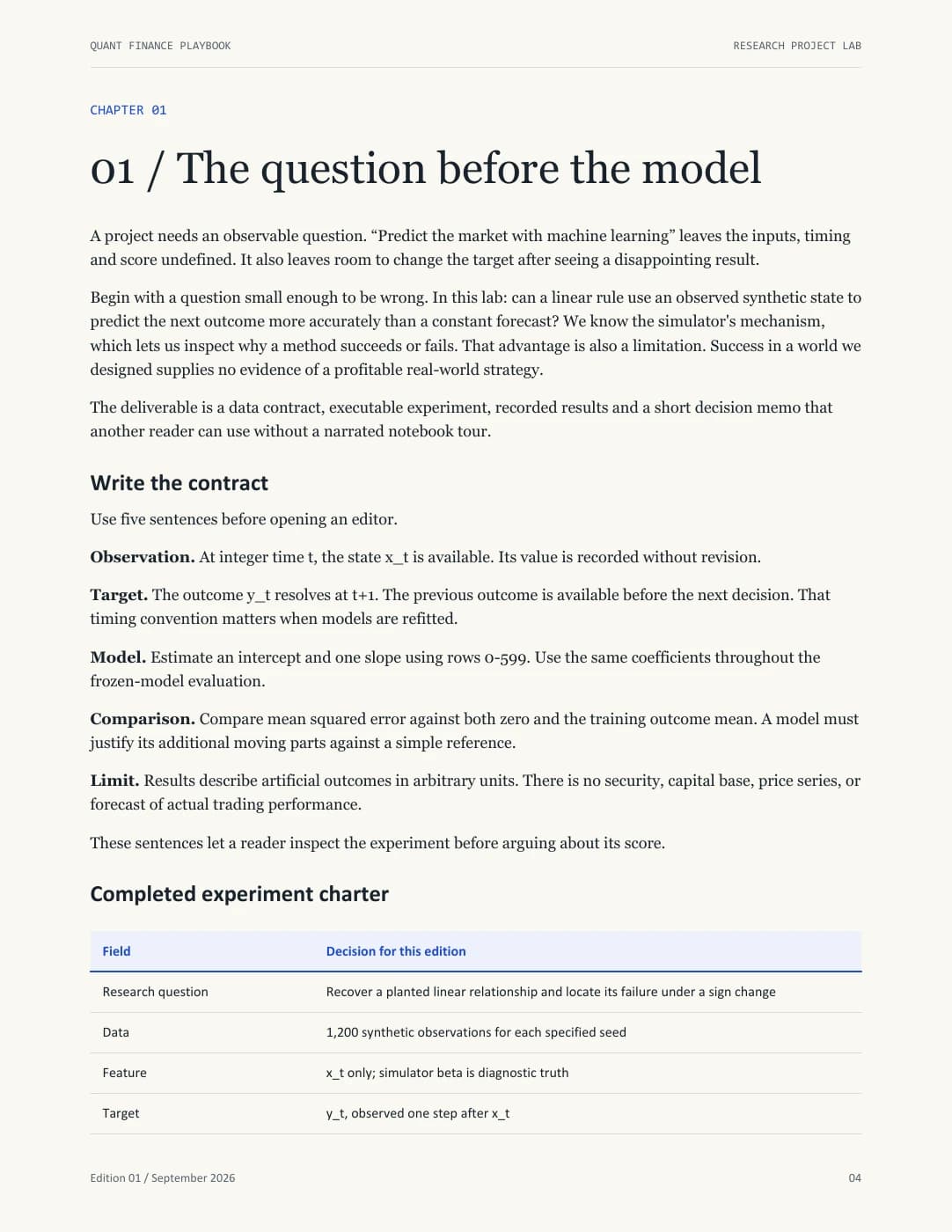
- 01 / The question before the modelp. 4
- 02 / Build a world you can inspectp. 6
- 03 / Put every value on a time axisp. 8
- 04 / Make the simple alternative hard to ignorep. 10
- 05 / Freeze a procedure, not just a filep. 12
- 06 / Keep the result that did not workp. 14
- 07 / Give the decision an accounting rulep. 16
- 08 / Three investigations to completep. 18
- 09 / Write a memo that survives a skeptical readerp. 24
- 10 / Defend the work and release it cleanlyp. 26
Read before choosing
Open the actual pages.
7 sample pages, including complete explanations. No email address or account required.
Open the PDF previewPreview page 4 of 7. Use Enlarge page for a closer view. When the page is focused, use left and right arrows to change pages.